USCIS case status tracker
The USCIS case tracker app that does the refreshing for you.
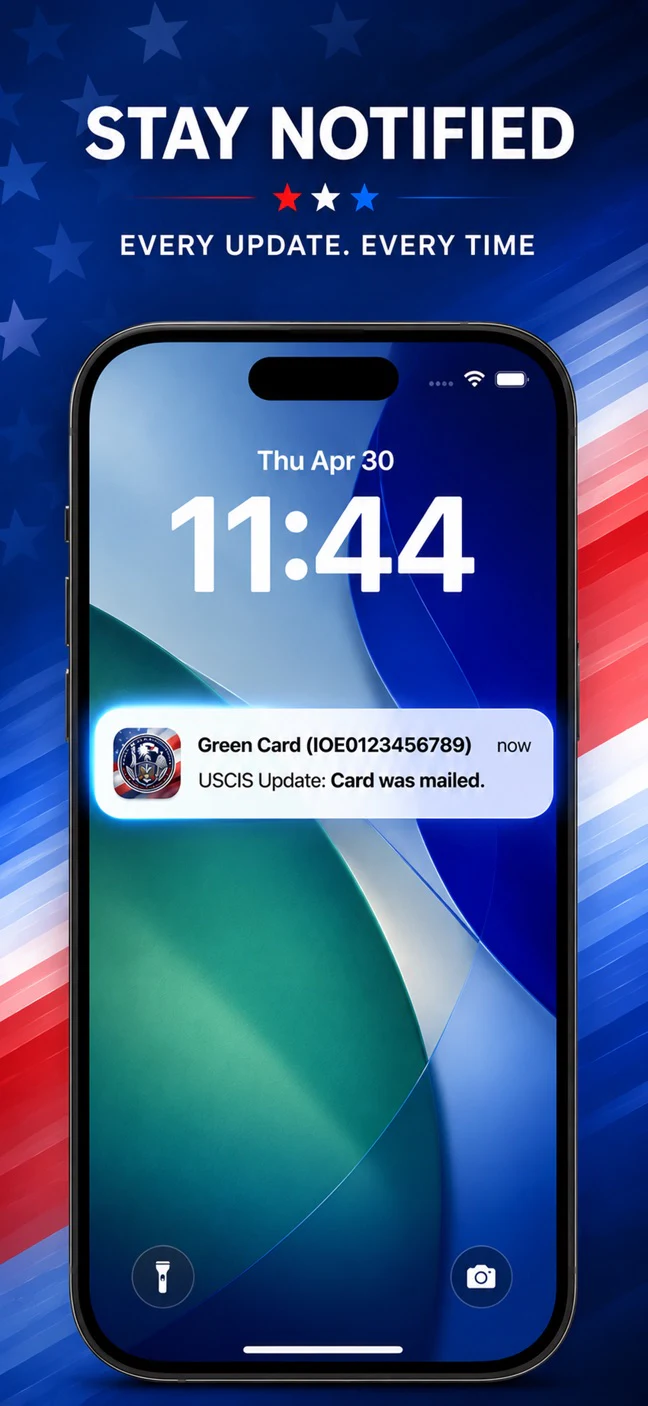
Stop refreshing the USCIS website. The USCIS Case Tracker app lets you track USCIS case status automatically: get push notifications on every update, view full case history, and see estimated completion timelines.

On a computer?
Scan this with your phone camera.
Not affiliated with USCIS.
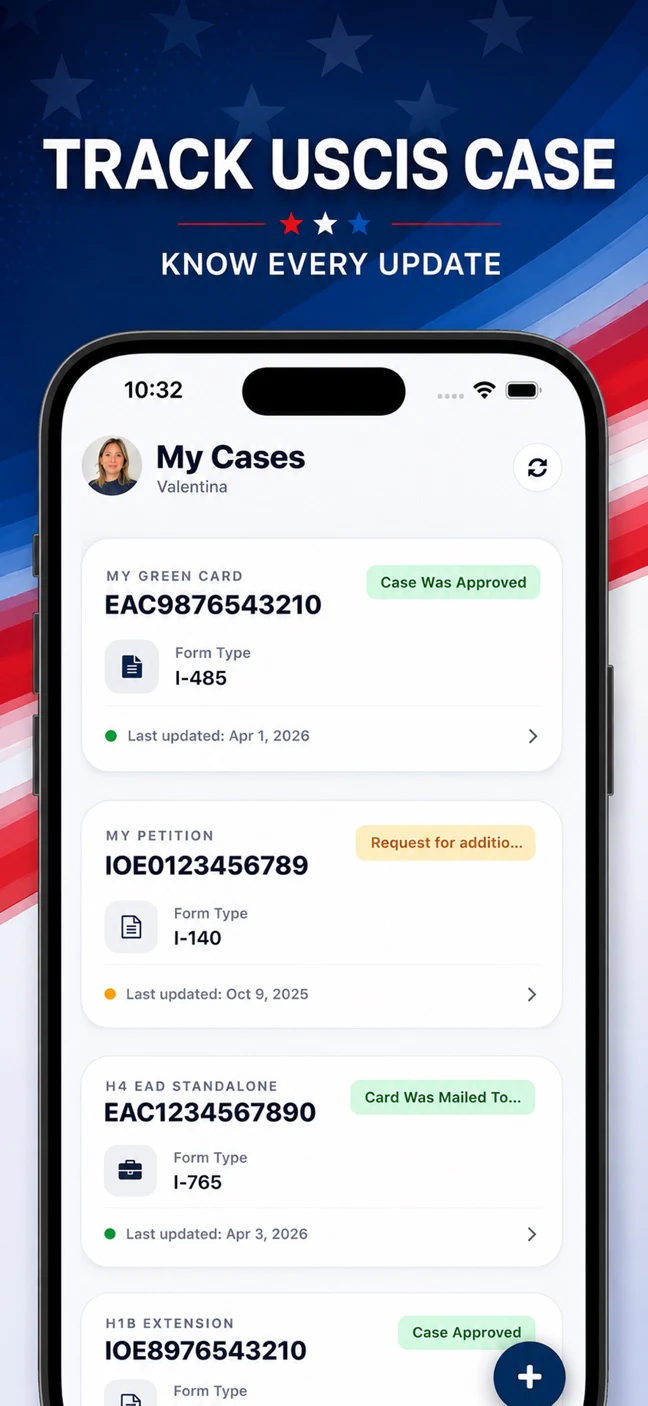
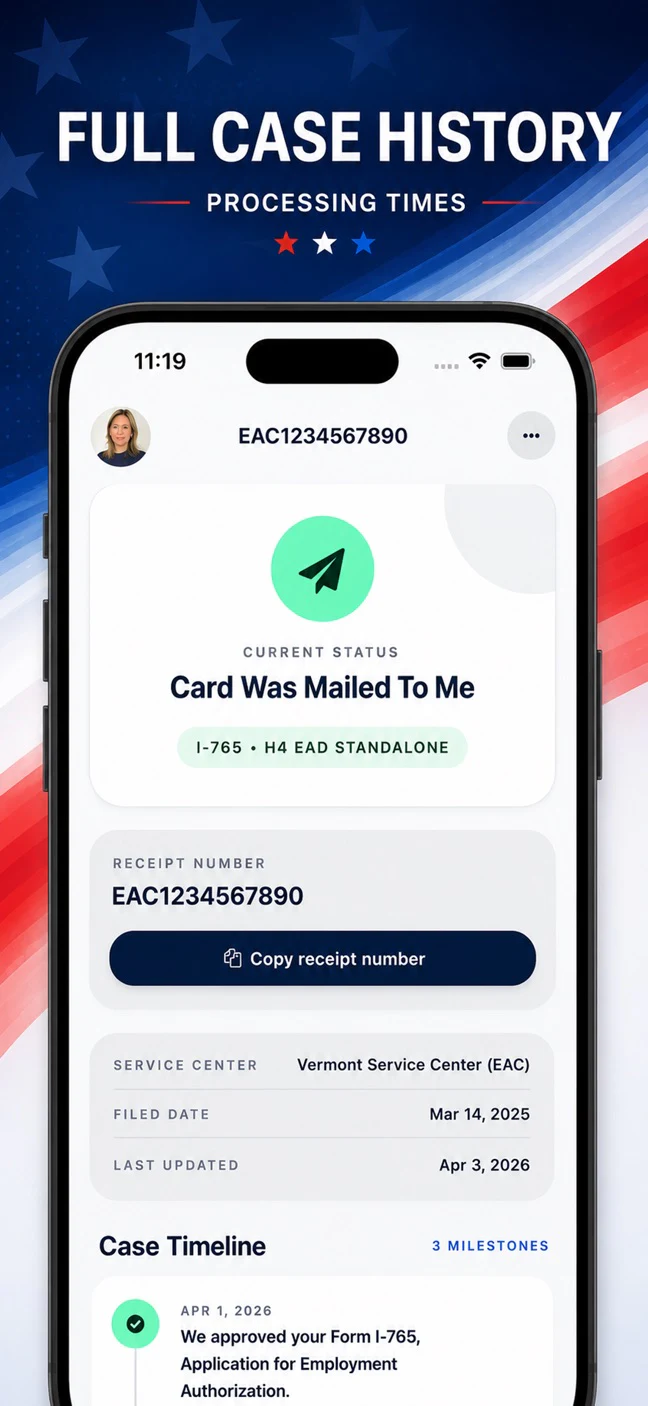
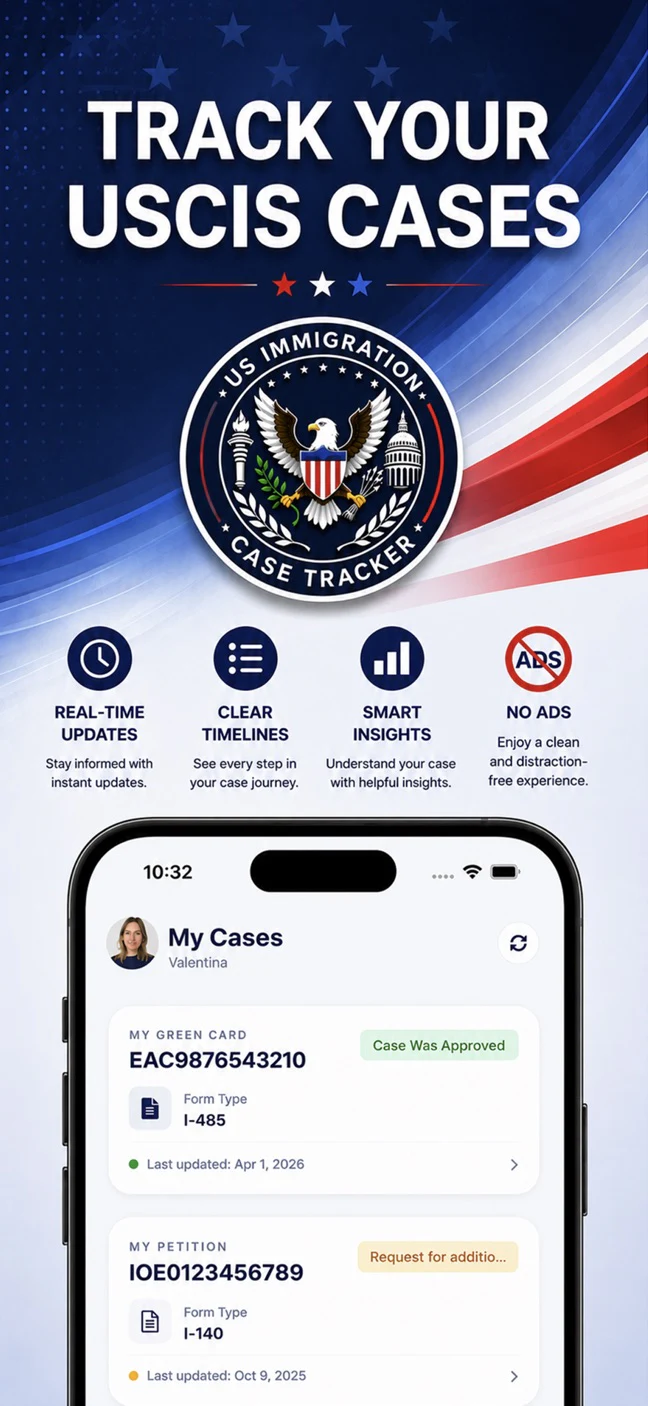
- Alertsevery status change
- No adsdistraction-free
- InsightsETA & next steps
- iOS & Androidboth stores
Waiting on USCIS is stressful enough
Most of us check the status page far too often, and it usually says the same thing it said yesterday. We built the app so you can stop.
It checks, so you don't have to
Your status refreshes automatically, and the app remembers every change. Put your phone down: a push notification tells you when USCIS updates a case.
You see the whole story
Every status change is saved in a simple timeline, so you can look back at what happened and when instead of trying to remember.
The whole family in one place
Track your own case, your spouse's and your kids' side by side. One screen instead of five browser tabs.
Set up in about a minute
A quick sign-in and one number, and you can track USCIS case status directly from your phone.
Sign in
Use Apple, Google or email. We never ask for your Social Security number, passport number or bank details.
Add your receipt number
It's the 13-character number on your USCIS notice, three letters followed by ten digits. Not sure where to find it?
See where your case stands
Your current status, full timeline and progress appear right away, with alerts and estimated timelines to follow.
Processing Insights
Know roughly when to expect an answer
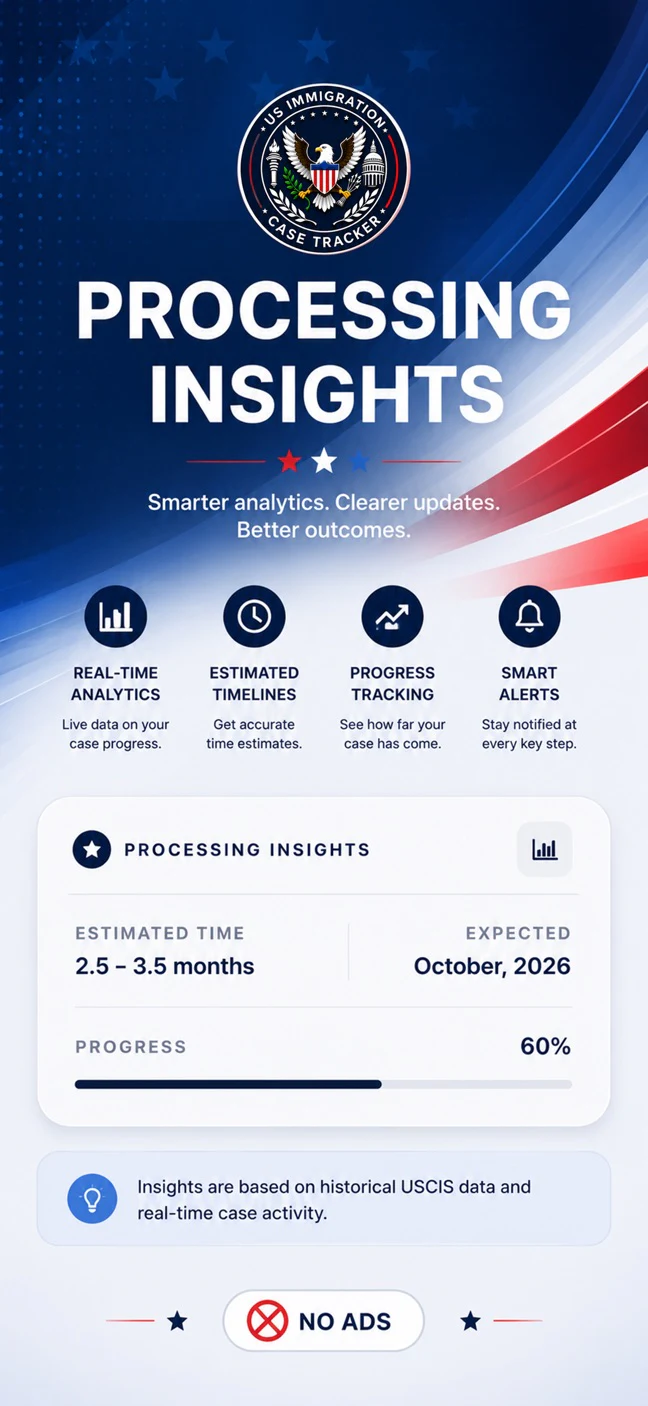
Waiting is easier when you know what's normal. Processing Insights turns your case into a timeline you can actually plan around.
- Estimated time and expected dateHow long USCIS is taking for your type of case, and roughly when yours should wrap up, shown next to a progress bar.
- On time, or running lateA clear signal that your case is inside the expected window, and a heads-up if it has gone past it.
- Your likely next stepWhat usually happens next, such as an RFE, a biometrics appointment or an interview, and how likely each one is. Swipe to see the top three.
- Community timelineHow long similar cases are really taking: how many days until 50%, 75% and 90% of them were approved. When there isn't enough data for your case type, we use USCIS's published processing time instead.
Estimates, not promises. Every case is different, and USCIS can be faster or slower than usual.
Everything you need while you wait
Simple, focused and ad-free.
USCIS case status notifications
Get a push notification when USCIS updates a case, even when the app is closed. No more refreshing the website.
A timeline of every change
Each status update is saved with its date, so you can see exactly what happened and when.
See how far along you are
A progress bar on every case shows how far it has come.
Days elapsed, your way
Tap to switch between the date, calendar days and business days. Business days skip weekends and US federal holidays.
The whole family in one place
Add your own case, your spouse's and your kids' and follow them side by side on one screen.
Form and service center, at a glance
See the form type, category and processing center for each receipt number. Add details like field office to sharpen your estimates.
Still useful when USCIS isn't
If the USCIS site is down or you're offline, the app shows the last status it has and tells you so, instead of an error.
Sign in your way
Use Apple, Google or email. We never ask for your Social Security number, passport number or bank details.
Community discussions
Ask questions and share updates with other applicants on Reddit, right from the app's settings.
A look inside
Clean, simple and easy to read, even when you're anxious.
Works with the cases you're probably waiting on
If your case has a USCIS receipt number, you can track it. That covers most of what people file:
- Green card applications (I-485)
- Work permits / EAD (I-765)
- Family petitions (I-130)
- Employment petitions (I-140, I-129)
- Travel documents (I-131)
- Citizenship applications (N-400)
Please note. This app is independent. It is not affiliated with, or endorsed by, USCIS or any government agency, and it doesn't give legal advice. We show case status information from publicly available sources and authorized integrations. For official updates, always check with USCIS directly.
The app never asks for your Social Security number, passport number or bank details. Read the privacy policy.
Quick guides while you wait
Plain-English answers to the questions people search for most.
How to check your USCIS case status
The official way, step by step, plus how to get updates without logging in every day.
Read the guide →What each case status means
“Case Was Received”, “Actively Reviewed”, “Request for Evidence” and more, explained simply.
Read the guide →Your receipt number, explained
What the letters and digits mean, and exactly where to find yours.
Read the guide →Questions people ask
What can the app tell me about my case?
Is this app affiliated with USCIS?
What do I need to start tracking?
How do USCIS case status notifications work?
How accurate are the estimates?
What happens if the USCIS website is down?
Can I track my spouse's or my family's cases too?
Which cases can I track?
Is this USCIS case tracker available on iPhone and Android?

Download USCIS Case Tracker
The USCIS case tracker for iPhone and Android. Start tracking in under a minute.